



Holidaymakers have been left questioning everything after spotting an unexpected airport sign, with some admitting it would have sent their anxiety through the roof

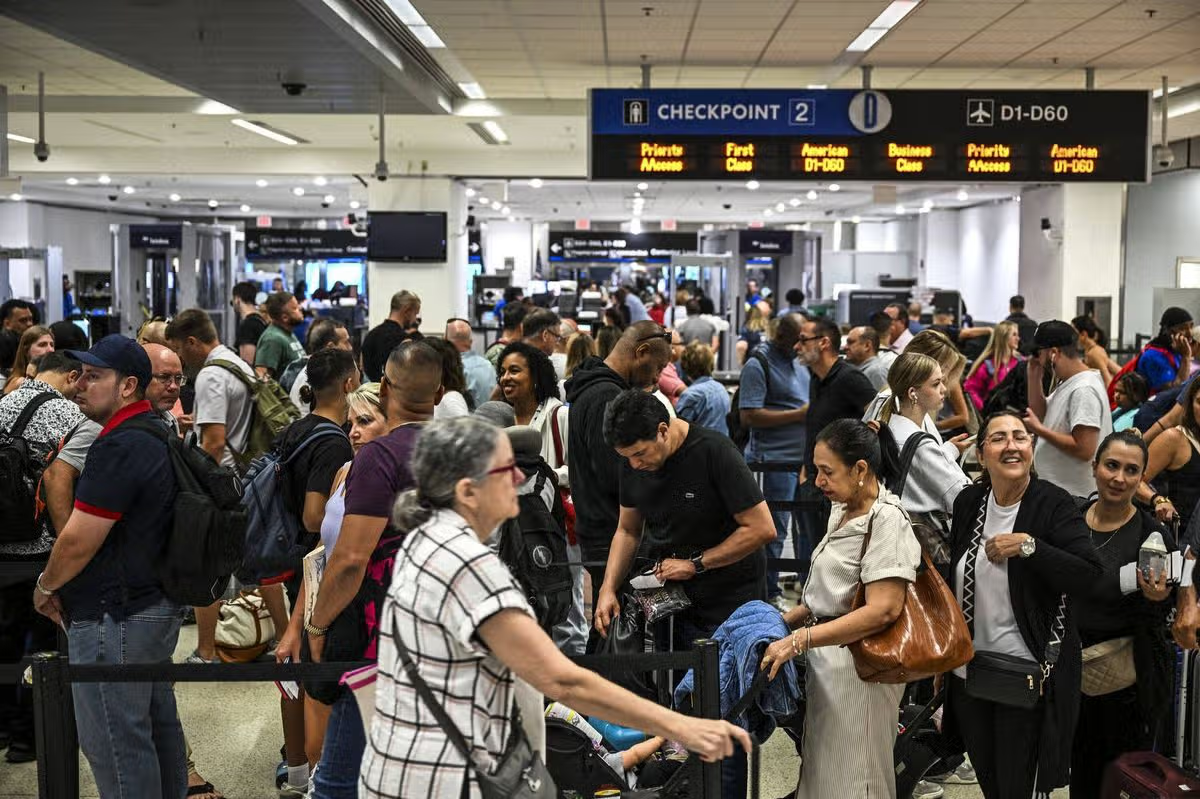
The sign was spotted in an airport (stock image)(Image: Getty)
There are plenty of things you have to remember to check before setting off on holiday, and for lots of people, this can be an anxiety-inducing experience. Before leaving home you’ve likely double-checked the hob is off twice, made sure the windows are closed four times over, and checked every door is locked. So, after checking in your bags and making it into duty free, the last thing you want to see is a reminder about whether or not you left your oven on.
But that’s exactly what some travellers came face-to-face with at one airport, thanks to Notre Dame Federal Credit Union (FCU), which has created what has been described as the “most anxiety-inducing” sign in existence.
Hanging overhead as passengers make their way through the airport, the sign reads: “Did you leave your oven on? Sorry, have a nice trip!” While some Reddit users couldn’t help but laugh at the sign, others admitted it immediately sent their anxiety levels soaring as they began second-guessing themselves.
‘That would absolutely ruin my day’
The sign was shared on Reddit, where it quickly struck a nerve with travellers who are all too familiar with the fear of leaving an appliance switched on. One user said: “As someone with OCD this would absolutely ruin my day.” Another added: “That’s diabolical.”
A third admitted they have their own method for avoiding the dreaded post-departure panic.
They wrote: “And this is why I take a picture of my stove…every…damn…time….like a weirdo. I routinely go back and clear those photos out.” They added: “Thanks mum for giving me this fear (though for her it was the garage door).”
‘The house didn’t catch fire’
For another traveller, the sign brought back a particularly memorable experience involving an iron.
One user explained that they had once ironed a shirt before an international flight because they wanted to look their best when they arrived. As a single man who rarely irons clothes, he decided to do it on his coffee table.
But two weeks later, when he returned home, he discovered the iron was still switched on.
He said it had been left on its highest heat setting, sitting sideways on the carpet next to the coffee table.
The carpet was left with a deep permanent burn, but thankfully the house hadn’t caught fire.
He said the experience had made him “much more paranoid”, meaning he now double-checks everything before leaving home.
‘Smart marketing’
Not everyone was left traumatised by the sign, however.
Some users praised Notre Dame FCU for coming up with a memorable piece of marketing, pointing out that the message had certainly succeeded in sticking in travellers’ minds.